
If your game already ships on Godot, test Godot 4.8 RC 1 on a branch and keep your production build pinned. Godot published its first 4.8 release candidate on November 27, 2026. Compare what you can install, export, and run on RC 1 with what works on the production build before changing the build pipeline for your next patch.
In its Godot 4.8 RC 1 announcement, Godot Engine says planned features are locked and known critical regressions have been addressed. It also says broader community testing is needed to validate the candidate and recommends making a backup before upgrading. Teams already evaluating 4.8 or waiting on a fix for a configuration they ship have the clearest reason to test now.
What changed after beta 5
Godot Engine’s November 24 beta 5 notes said the remaining known release blockers had been resolved, but the maintainers chose to put out another beta before moving to the RC stage. The beta policy covered regressions and significant bugs introduced by new features. For the RC stage, Godot says it focuses only on regressions that break something that worked in a previous release and have no workaround. A regression with a workaround can remain open without meeting that threshold. The RC announcement gives no stable release date, and Godot can revise its list of issues to address as reports come in.
Godot counts 22 fixes since beta 5. If your team already tested that snapshot, keep its results and rerun the scenarios that match the new fixes before repeating your broader release checks. If you are coming straight from a stable version, the list of 22 fixes describes only the latest interval. Keep your usual release checks, including ones that have no obvious counterpart in the RC notes. A change introduced earlier in the preview cycle can still be new to your project.
Compare exports from pinned builds
Start with two checkouts from the same project revision and leave the production branch untouched. Record the editor version, build commit, edition, and export preset for each run. Beta 5 was built from a661dfdbc and RC 1 from 7c97c2977. Use the production build as the baseline for an adoption decision. If you also have results from beta 5, compare them with RC 1 to see whether the difference was already present in that beta.
Godot Engine’s 4.8 RC 1 download archive lists separate Standard and .NET export templates. Pair each editor with the template for its release and edition, and give the two exports distinct output directories. Point each build job at its pinned editor so it does not pick up a shared installation by default. Build with the same project inputs where possible and note any preset or project setting you had to change. Otherwise, a template swap or preset edit can complicate a comparison you intended to make between engine builds.
Run both packages outside the editor on the hardware you ship for. In a console release like Fountains on Xbox, that check belongs on the console. Include a clean launch and, if players are updating an existing installation, load a copied save from the production build. Confirm that the package finds its assets and restores prior progress.
Audit .NET 10 on a separate C# branch
Standard includes GDScript and GDExtension support. The .NET edition, also marked mono, supports both and adds C#. Godot lists .NET 10.0 or newer as the minimum for the .NET build, up from .NET 8. That requirement predates RC 1. Godot Engine listed it in its October 15 Godot 4.8 beta 1 notes, which also cover the broader changes in the preview line.
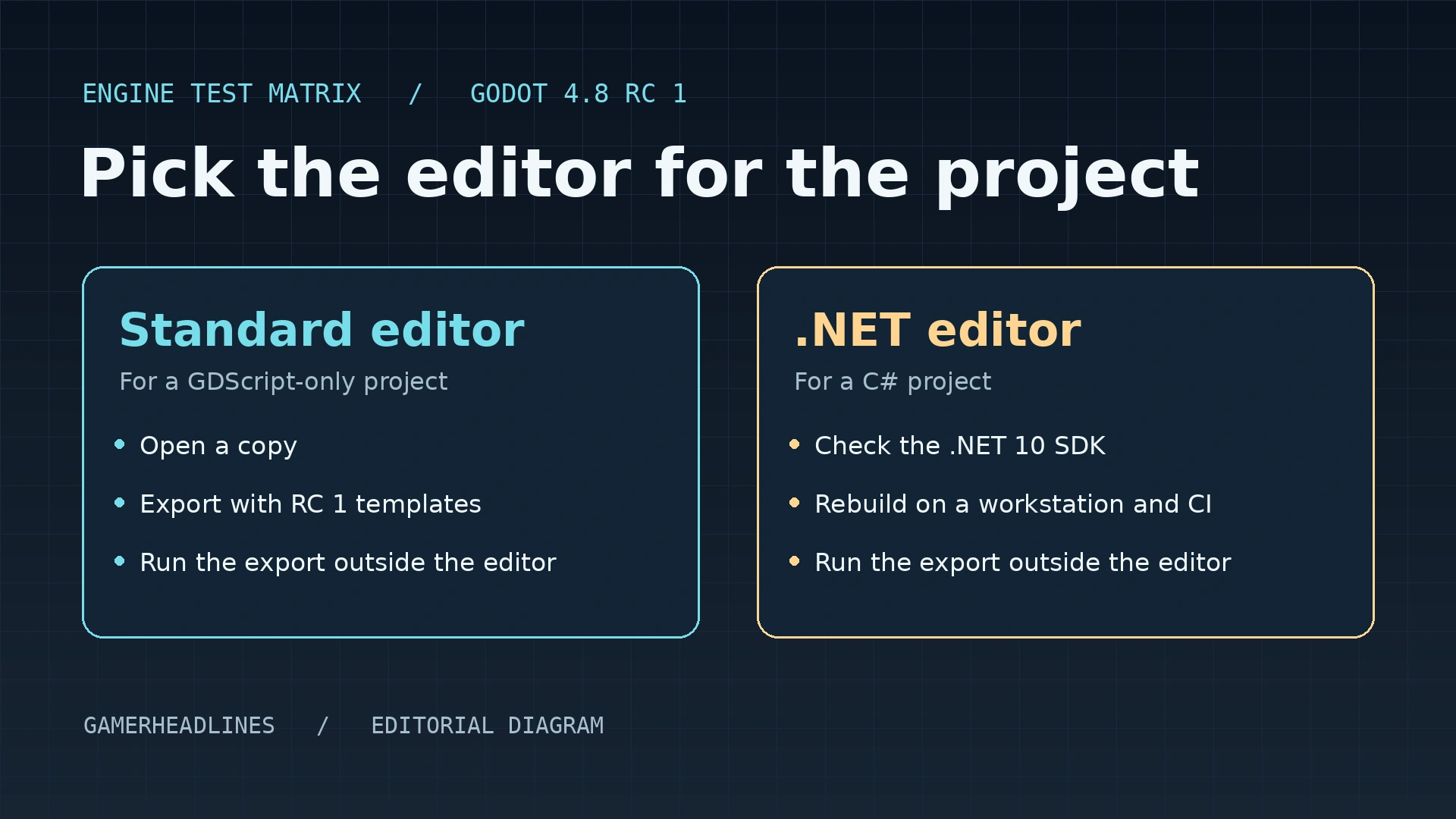
For a C# project, keep the engine and SDK migration on a separate branch with its own build job. Record which SDK the editor and command-line builds use on developer workstations and which SDK your continuous integration runners select. Include any repository SDK pin or build image that could still select .NET 8. Run restore, compilation, export, and a launch from the resulting package. If the same source builds locally but fails on a clean runner, record which SDK and editor the job used before treating it as an engine regression.
Godot states the minimum for the .NET engine build. The announcement does not say players need to install the SDK. Test the exported package in the environment your players use. Standard projects can skip the SDK audit unless their tooling requires it. When comparing engines, list SDK requirements and licensing separately. For GameMaker, consult our GMRT licensing coverage.
Choose regression tests that match your game
Godot lists two Windows fullscreen fixes in RC 1. GH-122119 corrects a missing vertical offset when OpenGL draws to the screen in fullscreen with a transparent border. GH-125769 restores offsets when an external action moves a fullscreen window to another display. Test the first with the renderer and window setup named in the notes. For the second, use the external action relevant to your setup and check where the fullscreen window lands. Passing the OpenGL case does not validate the behavior on another renderer.
Players switch windows during play in the puzzle game IN & OUT. For games that depend on focus changes, switch away from the exported game during an input sequence or a menu interaction. Return to the game and check that it accepts input and resumes in the right state.
For teams evaluating Trail3D, a node highlighted in the beta 1 notes, beta 5 fixed trail updates when processing was disabled (GH-125732). RC 1 lists a separate fix for a rare trail crash (GH-125768). Exercise scenes that turn processing off and back on. If your game reuses or removes objects with trails, include those transitions in a repeatable scene and check both the effect and whether the export stays running. The RC 1 announcement does not specify the crash trigger, so a pass on that scene does not establish that you reproduced the original bug. For a visual baseline, use the same camera angle and sequence of actions in both exports. With a progression system like the one in Palimpsest: Where Magic Remembers, check whether the same copied save leaves the same actions available in both builds.
RC 1 also fixes the use of custom feature tags in the Android editor (GH-125654). If you use that editor and rely on tags to distinguish platform configurations, check that it picks up the intended tag, then verify the expected behavior in the corresponding export. Keep that check distinct from other platform builds, which need their own expected results.
Two more RC fixes apply to specific setups. In an export that uses SplitContainer, enable accessibility and try dragging the divider with the mouse (GH-125772). Godot also corrected a type error in a Mobile shader in double-precision builds (GH-125792). To verify that fix, run the shader with the Mobile renderer in a double-precision build.
Test editor changes separately from exports
Godot’s beta 1 roundup describes the switch to docks for main-screen editors and lists symbol renaming as an experimental feature. Check whether the people who work on scenes and scripts can arrange the docks they use and return to a usable layout after reopening the editor. If you try a symbol rename, choose a contained change, inspect the resulting diff, and run the affected scene before trying it on a larger batch. Keep those edits separate from the initial upgrade comparison so a changed reference does not obscure an engine difference.
Record editor and export results in separate columns. Teams planning a full engine migration can compare that scope with Rocket League’s move from UE3 to UE6. A layout problem can slow down people who work on scenes every day. An export that fails at launch or cannot load a supported save can keep an update from shipping.
Set the conditions for keeping your current build
Write down the project’s stop conditions before starting the branch test. A clean runner that cannot reproduce the export, a supported display setup that breaks, or an existing save that fails to load without a workaround are reasons to keep shipping on the production build. A project with a patch due can leave production alone and save the branch, presets, and test results for a later candidate. Mark any target you could not test as unverified, even if RC 1 passes on your development machine.
If a regression turns up, Godot asks testers to check for an existing report before filing one. Record the last working engine version, RC commit, platform, renderer, and steps to reproduce the issue, noting whether it occurs in the editor, the export, or both. The result from the production build gives maintainers a comparison.
For example, if a fullscreen window still lands in the wrong place after an external display move, search for reports related to GH-125769. Record the monitor arrangement, how you moved the window, and where you expected it to land. If the symptom persists and needs a new report, attach a small project if it reproduces the behavior. State whether a workaround exists, even if your team would not ship with it.


