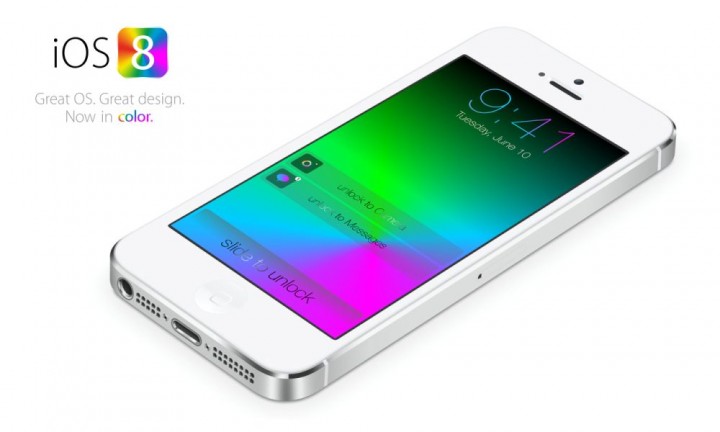
Owing an iPhone 5 means carrying the best smartphones that has countless outstanding features. The phone is powered with cool and useful applications, fancy look to flaunt, and a phone that works speedily. No one has time and patience to wait for an application to open after click. One can easily sacrifice certain not-so useful features and applications in order to get the phone which works as fast as speed of light.
Updated operating systems have big responsibilities for faster phones. For Apple iPhone 5, iOS 7 was a very smart operating system with a very attractive look. But, latest Apple operating system, iOS 8 came up with many improved and advanced features. Only and major shortcoming users faced with this updated OS was its low speed.
Reasons Discovered for low Speed
New OS and old handset, it becomes a little difficult to be compatible enough. Still, if speed is the most important issue for some iPhone 5 users, certain features are needed to be given up from iOS 8. While, on the other hand, if modern features is what users prefer to experience, then speed becomes difficult to achieve.
Techniques for Fast iPhone 5 with iOS 8
Users also agree with less but effective features. They are ready to settle for an iPhone 5 that works fast with whatever minimum required applications it has. Performance of the phone is a very important concept for personal use and also for operating among people. Overflowing updated features with slow speed is not at all impressive for some users.
More Storage: To work easily and swiftly, iOS requires free storage space. 100 MB space or less is not sufficient; user needs to delete certain less usable or unimportant files and applications. To check the storage space, move to Settings > General > Usage > Look at storage available.
Background App Refresh Turn off: This feature refreshes the applications automatically by consuming a lot of battery and power processing. To switch this off, it is needed to go to Settings > General > Background App Refresh.
Settings Reset: This is an option to boost up speed without losing any applications or data. This is also very simple Settings and basic method to increase OS speed. It is simply needed to go to Settings > General > Reset > Reset All Settings.
Motion Turn off: A little speed can be made better by freeing the phone from rendering motion. For that, it is required to hit Settings > General > Accessibility > Reduce Motion.
Transparency Turn off: Although, this makes the phone less attractive, by showing grey color in solid, instead of transparent glass look. In order to switching it off, it is required to go to Settings > General > Accessibility > Increase Contrast > Reduce Transparency.
Spotlight Search Disable: In iPhone5, this feature uses a lot of storage, memory, and internet. Turning it off may help to raise processing speed by going to Settings > General > Spotlight Search.
These are some of the tricky provisional measures in iPhone 5 to increase the speed of iOS 8 step by step users can follow these methods and get able to work on a faster smart phone.