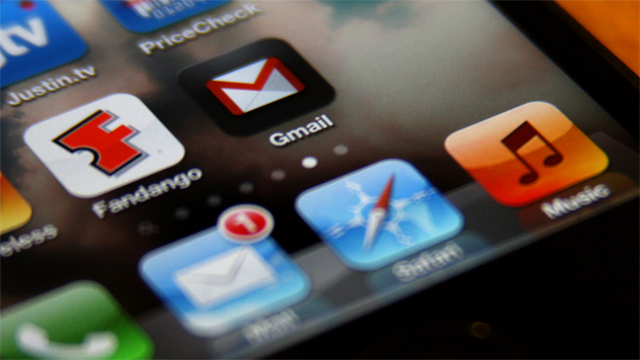
If you are a proud owner of an iOS device and you have not yet tried out Google Mail for your iPhone, you definitely should! With the new updates, this service looks better than ever. I want to focus on these updates specifically and show you what the new Gmail 3.0 has in store for you.
Refresh your apps form the background
One of the major features included in the new version is called Background App Refresh. What this thing does is it allows your installed apps to receive new content while they are not actively running. The biggest benefit of this innovation that will probably drive many users to new Gmail is that you no longer have to manually refresh your email every minute or so. It is all done for you and you will instantly see any new mails you might receive. In order to use this feature, you have to update your device to iOS 7. Also, you should manually enable this option, together with Gmail notifications.
A Unified Google account
Another big thing that comes with this update is called Sing-On. Though it’s difficult to determine from its name, this feature allows you to log in using your Google account and access many of its services.
For example, you can log in using your Youtube account, Chrome or Google Drive account. Also, the new Gmail 3.0 allows you to log in by simply tapping your account icon. The authentication option will no longer be available for this particular account.
This is a very useful feature for those of you who have used the two step verification. The reason being that you won’t have to go through the process of encoding your password once again (that is, of course, 27 characters) not will you have to get a new verification code every time you enter you other Google apps.
Sing-On
This feature will automatically sign you out of all the Google accounts on all of your devices once you sign off from one of them. However, this will probably require you to register with Gmail once again after you install the Gmail 3.0.
Also, there is a feature that is well known to those of you who use the computer version. I am, of course, talking about the mass unsubscribe action. The way you do it is exactly the same as you would do it there. Just select one of those spam messages, select “unsubscribe” and then go through a list or just select all.
Problems
Despite all of its benefits, various users have expressed their disappointment with the new update. Various people on the internet have been rushing to the App store with their critique and expectations which have not been satisfied. Some of them reported that this new app is draining their battery very quickly. Others are saying that Gmail 3.0 is straight up defective and does not function properly.
Ultimately, it is up to Google to step up and prove the worthiness of their latest product.