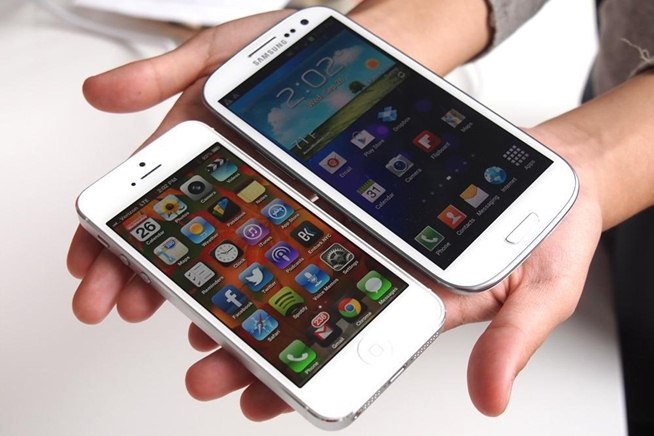
The recent launch of the new Samsung’s Galaxy Note 4 seems to have split their consumer base into two factions. The first faction has already bought the latest best-seller, while the second one does not have the opportunity to do so (mostly due to financial reasons). Although this occurrence can’t be called new, it is still an important one. But do not lose hope, people who belong to the second category because there is still hope for you. While the new Note 4 may be something you can’t get or afford right now, you still have the option to try it out for yourself. However, you will need to use some tricks in order to do that. Here is a short guide on how that can be done.
First of all, your preferred device should be rooted in order to make this happen. If it is not, however, please do not try to root it yourself without the proper knowledge, as it may damage your phone significantly. After you have made backups for all important files and the rooting process is done, you may proceed further.
Wallpapers
This is, of course, the first thing that people see when they turn on the device. It usually is a one of its kind wallpaper that belongs to a specific series. With that in mind, you can start downloading the wallpapers that are used in Galaxy Note. You can find those on various web sites, such as Play Store for example.
Sound of Note 4
Recently, a very cool developer from XDA forums (who is known as dack23 around there) has posted a zipped file that includes all 190 audio files that the Note 4 uses. It even includes such things as notification sounds, ringtones, various alarms, etc. You have two options in terms of installing it. The first one is a direct flash from recovery (as was mentioned before, you will need root access for that). The second one is to simply copy all the files from zip to their respective folders.
Apps
Originally, this new device came with a number of exclusive apps. However, shortly after the announcement these apps became available for download, thanks to some unknown enthusiasts and the internet. Note: some part of these apps need flashing from root and recovery, while others do not. Also, you should know that having TouchWiz UI helps a lot in making apps such as these perform properly.
Classy booting
Once again we return to the issue of rooting, and a useful thing it is. A rooted Android device allows you to customize even the deepest parts of it, such as boot animation. Of course, for the purposes of this article our goal is to make boot animation identical to the one that Galaxy Note 4 has. Just like all the other programs and features, this one is available for downloading absolutely for free using the internet.
Hope this short guide will help satisfy your thirst for the new Galaxy Note 4 and improve the way your device looks and operates in general.